[2023.09] We launched the WEMIX staking service.

Jinmi

WEMIX staking / Withdrawal request success webhook / Signing completed webhook / XRP node upgrade


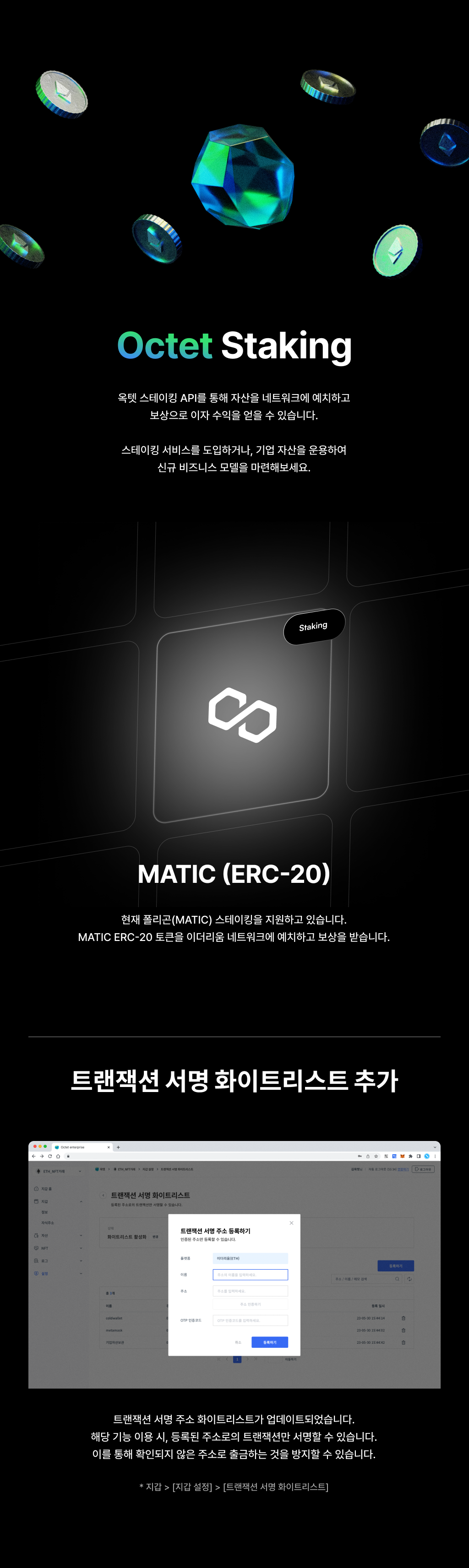
You can now stake $WEMIX on Octet and earn interest. Launch a staking feature in your service, or put corporate assets to work and build a new business model. If you are still deciding, you can try the WEMIX staking API on the testnet first.


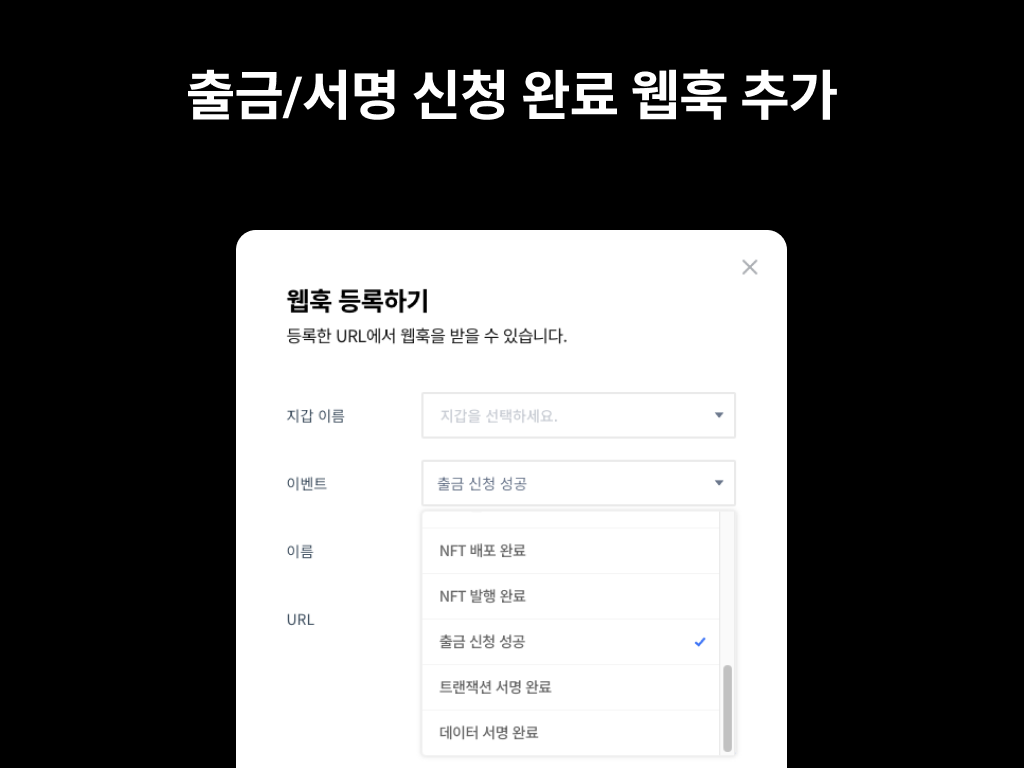
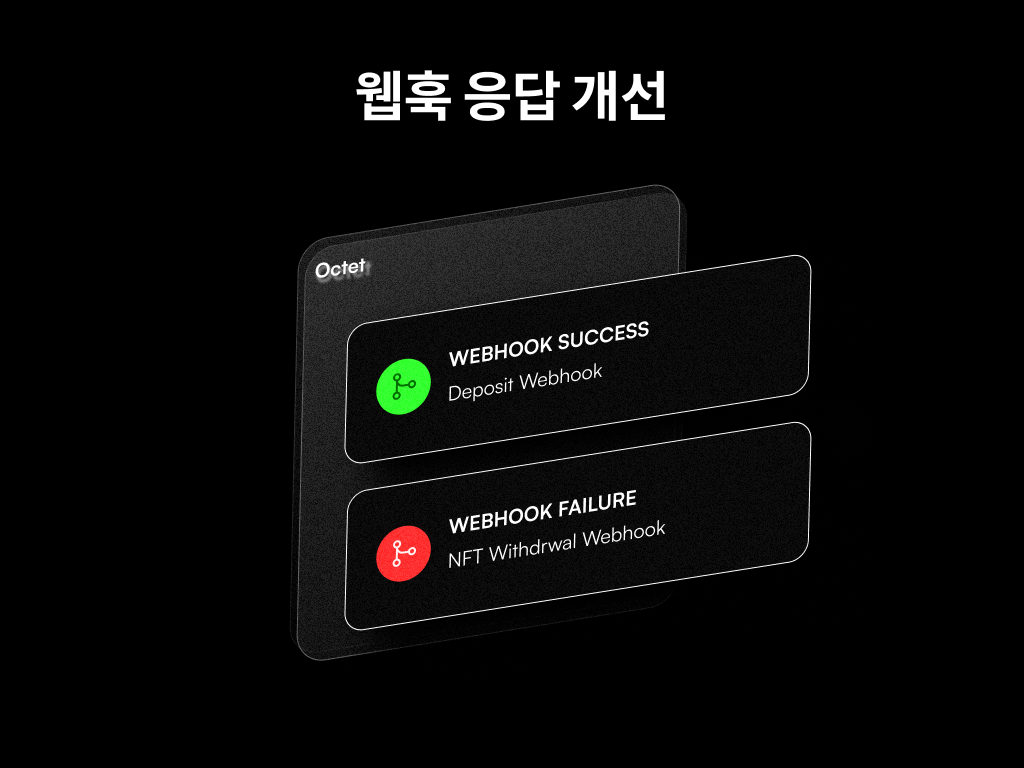
Three new webhook types have been added. With these webhooks configured, you no longer need to poll the request lookup API until a TxID or result is returned after a withdrawal or signing request; the result is delivered to you via webhook instead.

  • Withdrawal request success | When a withdrawal request succeeds and the withdrawal transaction is created
  • Transaction signing completed | When a transaction signing request is completed and the signature result is produced
  • Data signing completed | When a data signing request is completed and the signature result is produced


Other updates​

  • Upgraded the XRP node.

[2023.07] You can now use meta-transactions (ERC20).

Jinmi

Meta-transaction (ERC-20) support / Withdrawal logic improvements / POL, BSC hard forks / Sweep logic improvements


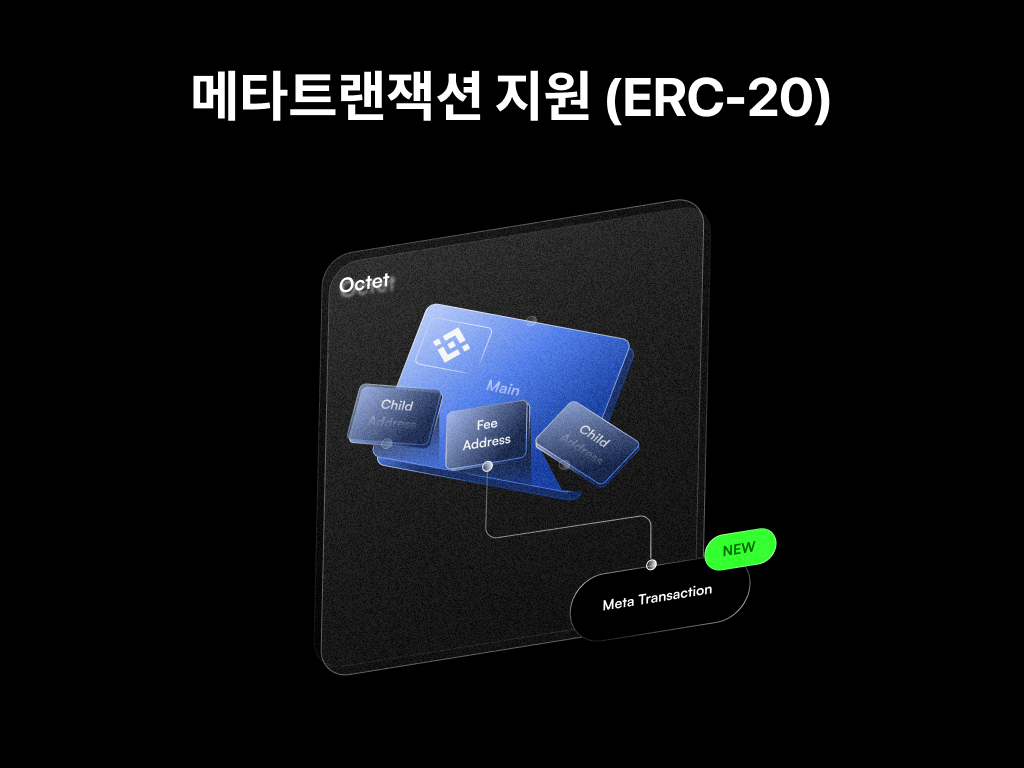
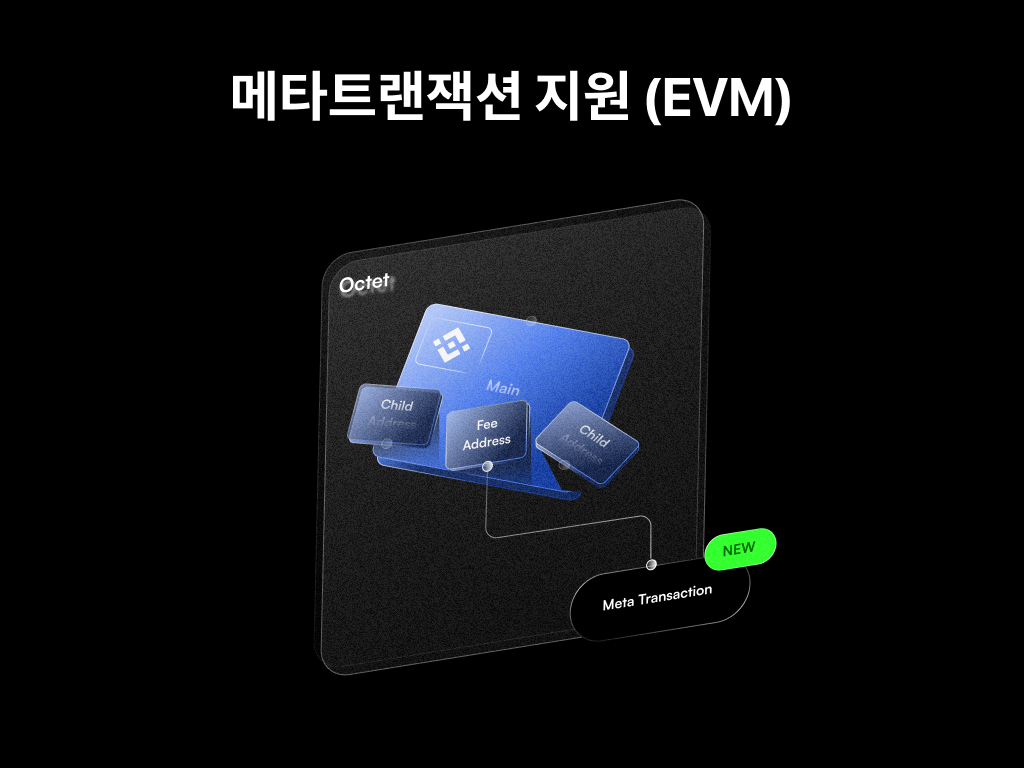
Octet now supports Ethereum ERC-20 meta-transactions. With this feature, the fee address can pay the withdrawal fee on behalf of another address.

∙ This feature is available only for contracts that support meta-transactions.

∙ If you would like to use it, please contact the Octet customer center and we will walk you through the details.

∙ ERC-721 and ERC-1155 meta-transactions will also be supported in August.


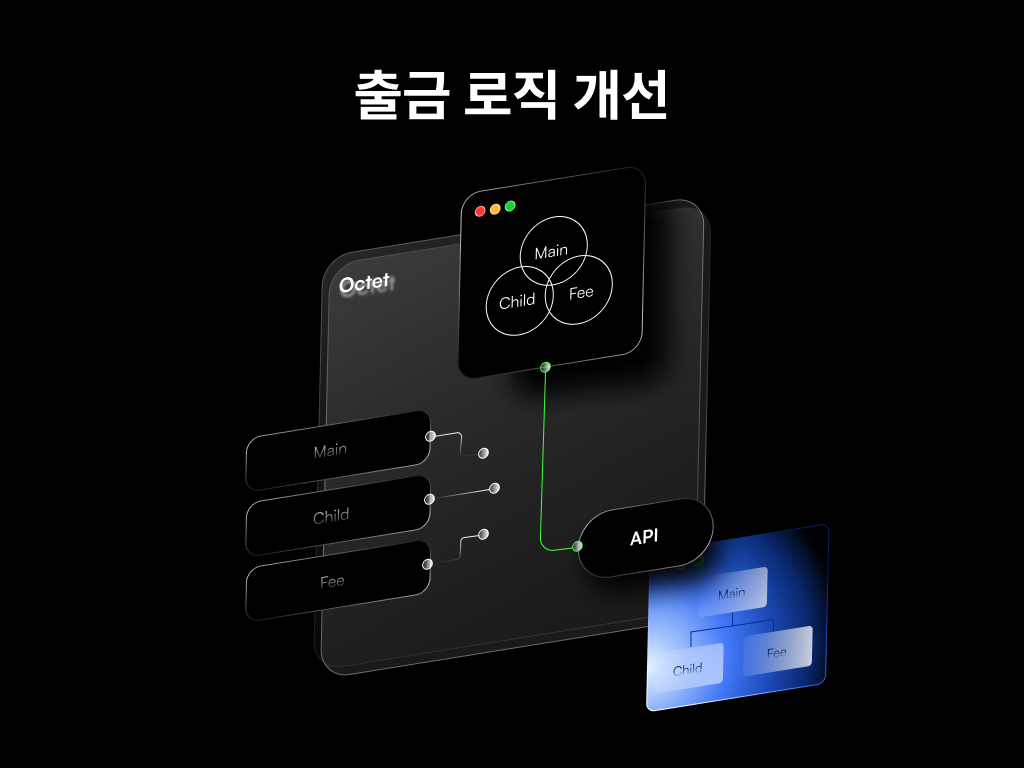
We have added the UNFINALIZED status to withdrawals as well. Even after a transaction is included in a block, it is marked as complete only after additional blocks have been produced. Withdrawals take slightly longer to complete than before, but this guarantees the finality of withdrawal transactions.

The additional time varies by platform. (1 second~10 minutes)


Other updates​

  • Handled the Polygon hard fork and the Tron node update.
  • Improved the sweep logic. Sweeps (fund collection) are now more reliable.

[2023.08] You can now set API withdrawal approval conditions.

Jinmi

Meta-transactions (ERC-721, ERC-1155) / Staking in Console / API withdrawal approval conditions / EOS node added / Password change process improvements / Fee update logic improvements / ETH, POL, BSC RPC speed improvements / KAIA, BSC hard forks / PCI bug fix


Octet now supports meta-transactions on EVM-based platforms. With this feature, the fee address can pay the withdrawal fee on behalf of another address. On Octet, you can use meta-transactions not only for ERC-20 withdrawals but also for ERC-721 and ERC-1155 withdrawals. Use this feature to manage the withdrawal fees your service needs more efficiently.

This feature is available only for contracts that support meta-transactions.


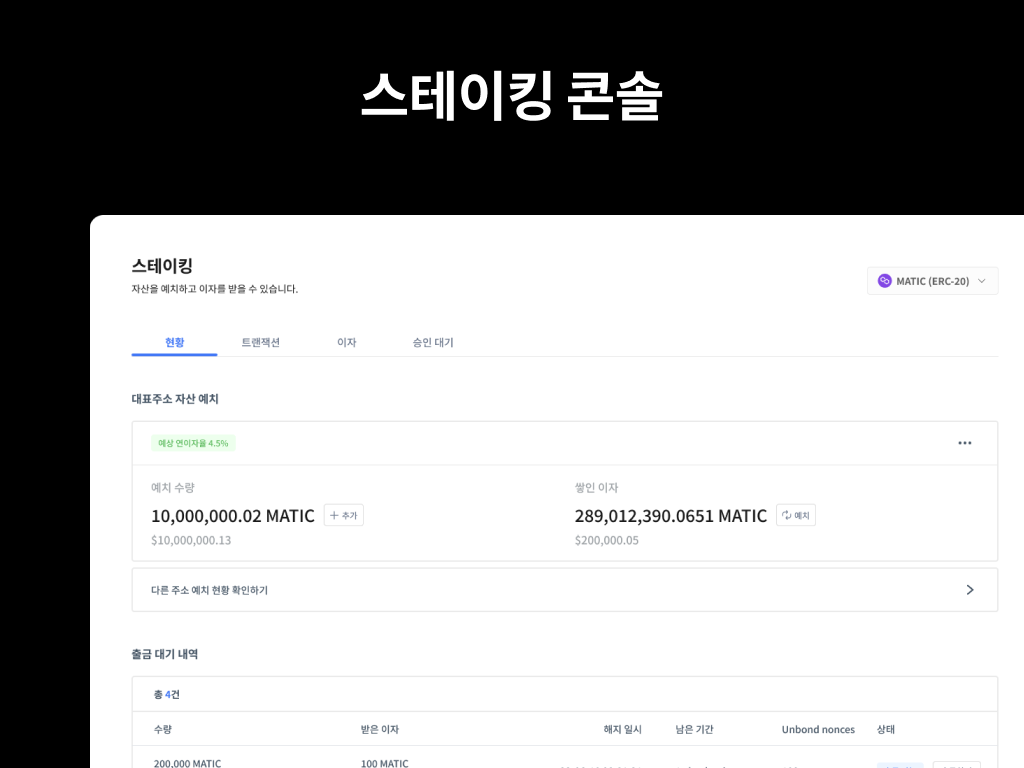
You can now see the status of assets staked through the Octet staking API at a glance in the Octet Console. Check the staked amount and the interest accrued so far, and if you have requested an unstake, easily see how long remains until withdrawal, all from the Console. If needed, you can require admin approval for staking to further strengthen your security posture. Try Octet Staking on the testnet today.


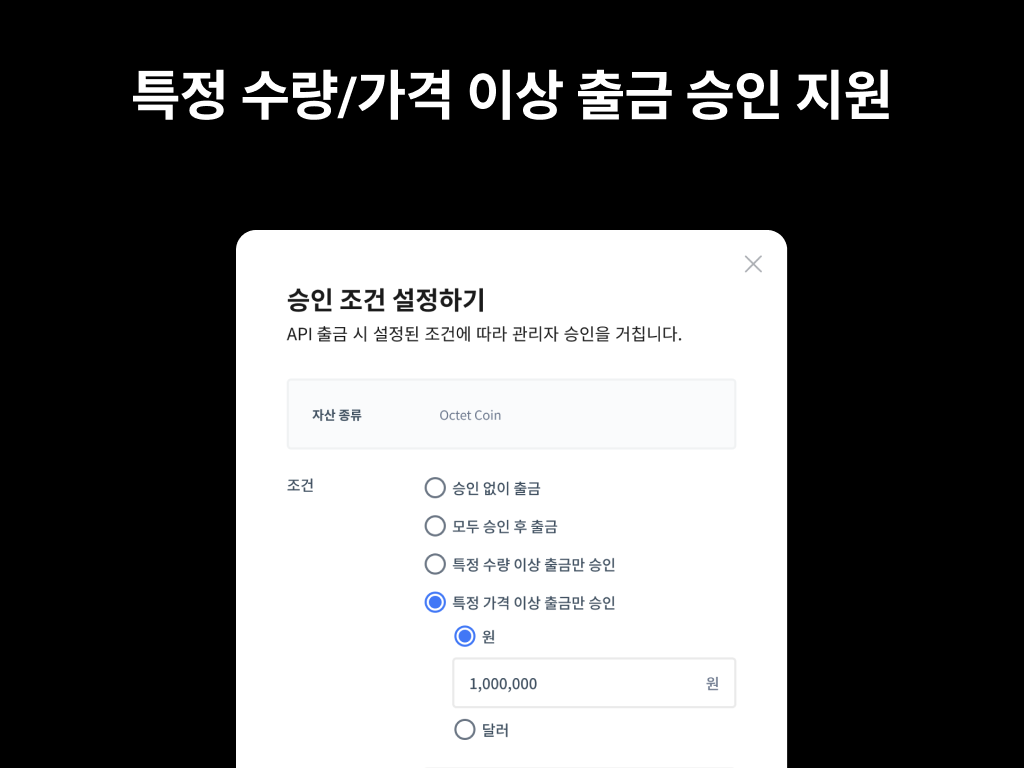
You can now require admin approval for API withdrawals above a certain amount or value. With this feature, ordinary withdrawals go through without approval, while withdrawals of an amount or value that warrants attention go through only after approval. We strongly recommend setting approval conditions to prevent abnormal withdrawals.

Wallet > [Wallet Settings] > [Withdrawal] tab > [API Withdrawal Approval]


Octet 2.0 supports a new platform, EOS. You can create EOS wallets and build a deposit/withdrawal system on Octet. Follow the EOS wallet setup tutorial on the testnet and try EOS wallets to your heart's content.


Other updates​

  • Improved the password change process.
  • Handled the KAIA (testnet) and BSC hard forks.
  • Improved the fee update logic.
  • Improved ETH, POL, and BSC RPC speed.
  • Fixed a PCI bug.


[2023.06] You can now create Arbitrum and Filecoin wallets.

Jinmi

Arbitrum node added / Filecoin node added


We have added an Arbitrum (ARB) node. You can create Arbitrum wallets and build a deposit/withdrawal system on the Octet testnet. See the Arbitrum wallet setup tutorial for details.

If you would like to use this, please contact the Octet customer center.


We have added a Filecoin (FIL) node. You can create Filecoin wallets and build a deposit/withdrawal system on the Octet testnet. See the Filecoin wallet setup tutorial for details.

If you would like to use this, please contact the Octet customer center.


Other updates​

  • Handled the BSC mainnet / BSC testnet / Polygon testnet hard forks.
  • Ran the OCC Octet training program for 8 customers.


[2023.04] Multisig wallets can now withdraw from the Console.

Jinmi

Console withdrawals for multisig wallets / Asset value in KRW / NFT manual deposit support / Key generator integrity verification introduced / KAIA, ETH, BSC hard fork support / SOL deposit system improved / ETH CA sweep system improved


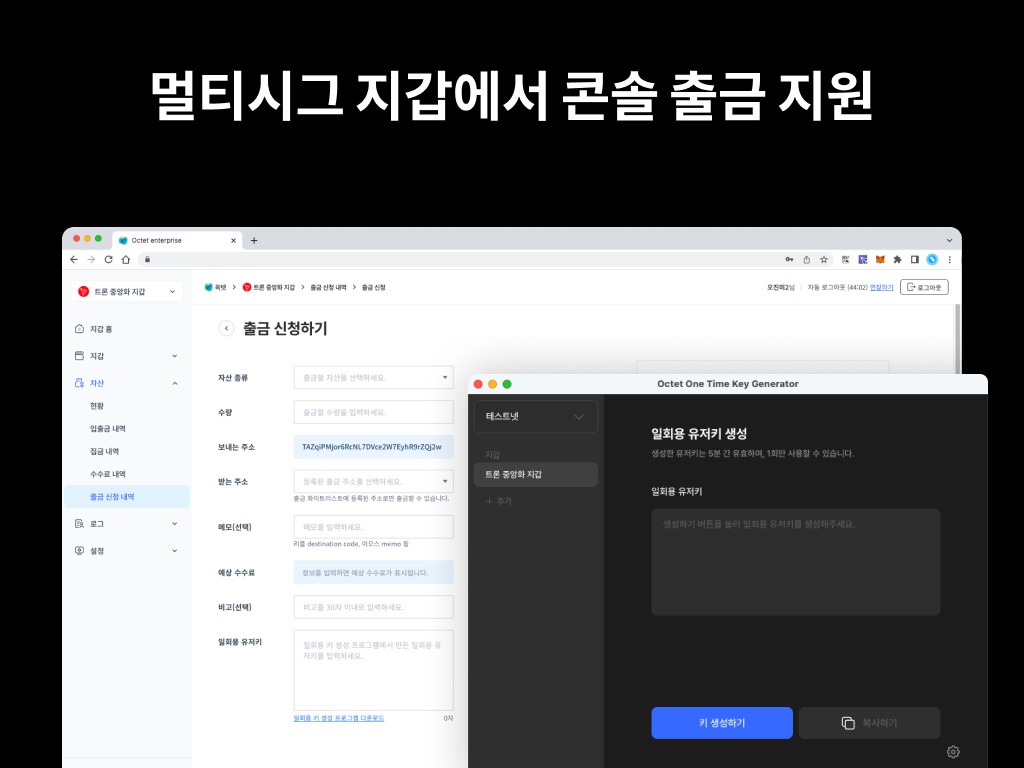
Wallets whose key management type is 'Co-managed (Multisig)' can now withdraw from the Console. For security, a one-time user key must be generated and used when withdrawing from a multisig wallet via the Console. See the one-time user key generation guide for details.


You can request a withdrawal from [Withdrawal Requests] in the Console. ('Requester' role)


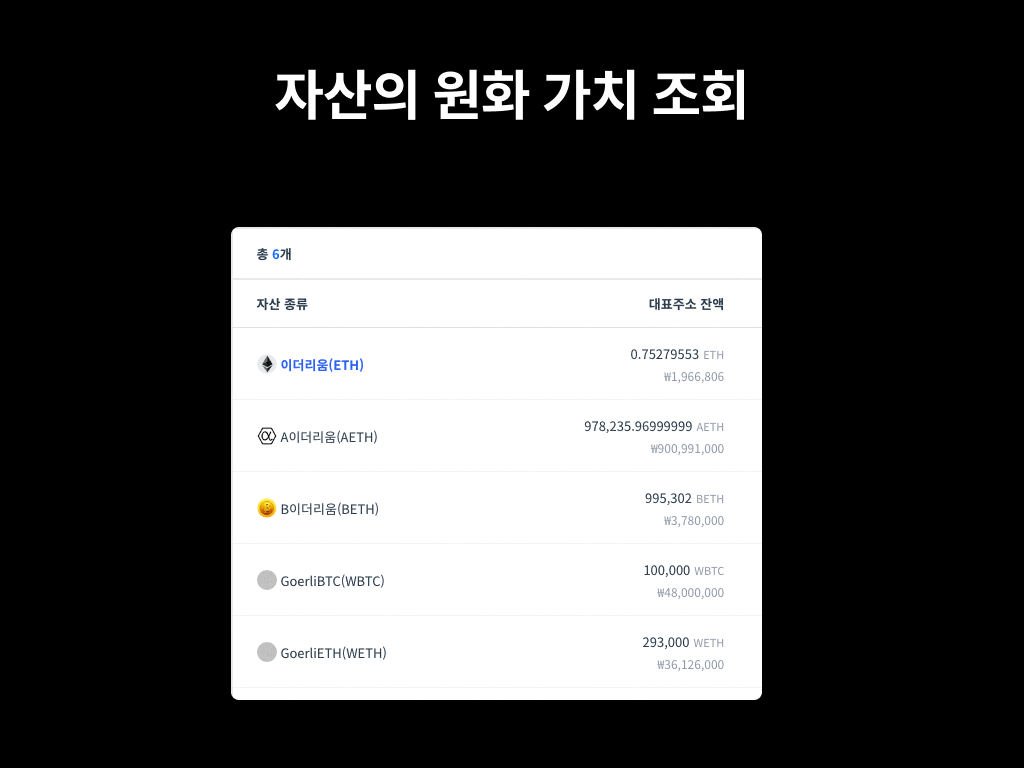
You can now view the value of your current balance and the asset value at the time of deposit/withdrawal in KRW in the Console.


Supported pages: Asset Overview, Deposit/Withdrawal History, Fee History, Withdrawal Requests, etc.


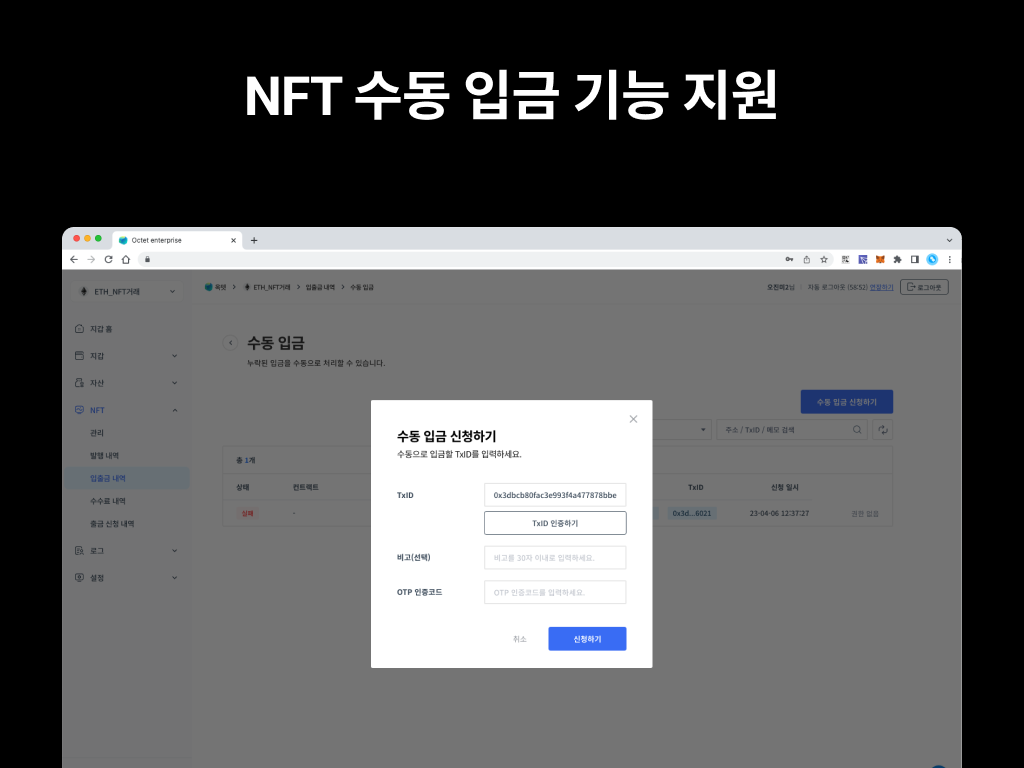
An NFT manual deposit feature has been added. When the NFT deposit mode is 'Whitelist deposit', deposits made without registering the NFT contract are not processed. If an unregistered NFT has been deposited, you can use the manual deposit feature to apply the deposit.

To prevent a single admin from arbitrarily changing assets, deposit permissions have been separated. A 'Requester' submits the deposit request, and an 'Owner' or 'Approver' must approve it before the deposit is finally applied.

[Running a manual deposit]

  1. Register the NFT contract in Wallet > [Wallet Settings] > [NFT Deposit Whitelist>.
  2. Go to Wallet > [NFT Deposit/Withdrawal History] and click the [Manual Deposit] button at the top right.
  3. Enter the TxID that needs to be processed. ('Requester' role)
  4. Approve the requested deposit. ('Owner' or 'Approver' role)

The number of admins required for approval is the same as the withdrawal setting.


Other updates​


[2023.02] You can sweep only the transactions you choose.

Jinmi

Tron node added / EthereumPoW node added / Selective sweep feature added / Deposit and withdrawal stability improved


We have added a Tron (TRX) node. You can create Tron wallets and build a deposit/withdrawal system on the Octet testnet. See the Tron wallet setup tutorial for details.


If you would like to use it, please contact the Octet support center.


We have added an ETHW node. You can create ETHW wallets and build a deposit/withdrawal system on the Octet testnet.


If you would like to use it, please contact the Octet support center.

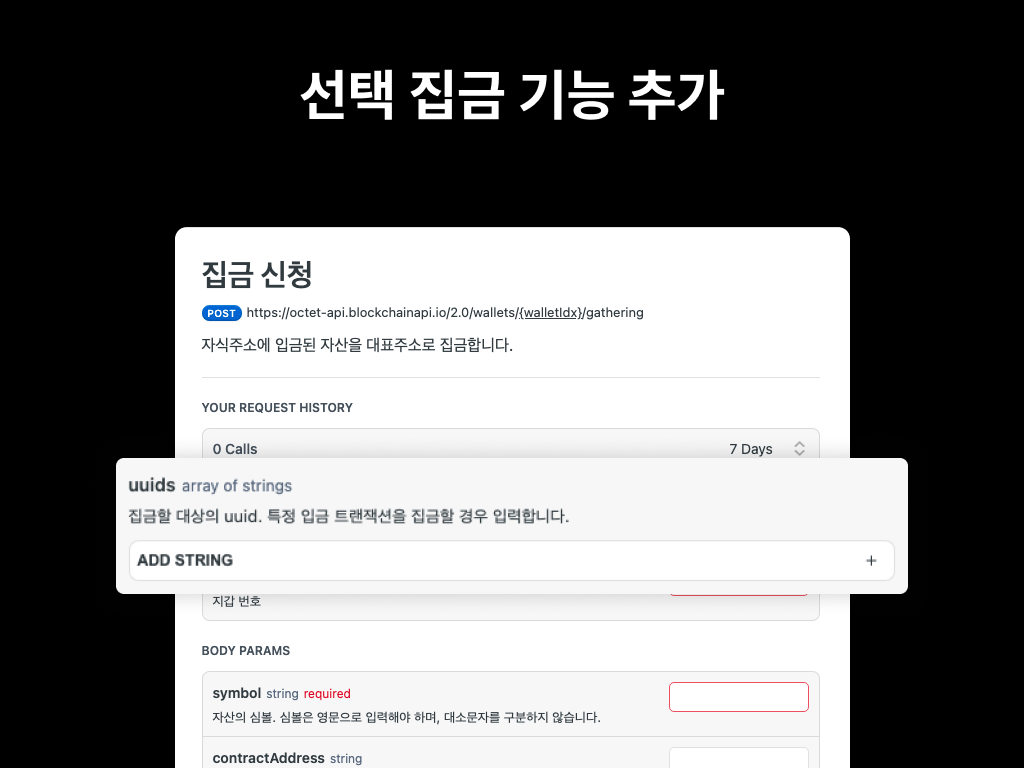
A 'selective sweep' feature has been added, which sweeps only specific deposit transactions.
When calling the sweep request API, enter the UUIDs of the transactions to sweep in the uuids field, and only those transactions will be swept.


You can find the UUIDs of sweep targets by calling the sweep target list API.


We have improved deposit and withdrawal stability to provide a safer and more reliable service.


[2023.03] You can encrypt the payload when calling the withdrawal API.

Jinmi

Ripple node added / Withdrawal API payload encryption added / New webhook types (deposit in progress, withdrawal request failed, etc.) / NFT deposit and withdrawal stability improved / BSC, ETH hard fork / Ripple node update


We have added a Ripple (XRP) node. You can create Ripple wallets and build a deposit/withdrawal system on the Octet testnet. See the Ripple wallet setup tutorial for details.


If you would like to use it, please contact the Octet support center.


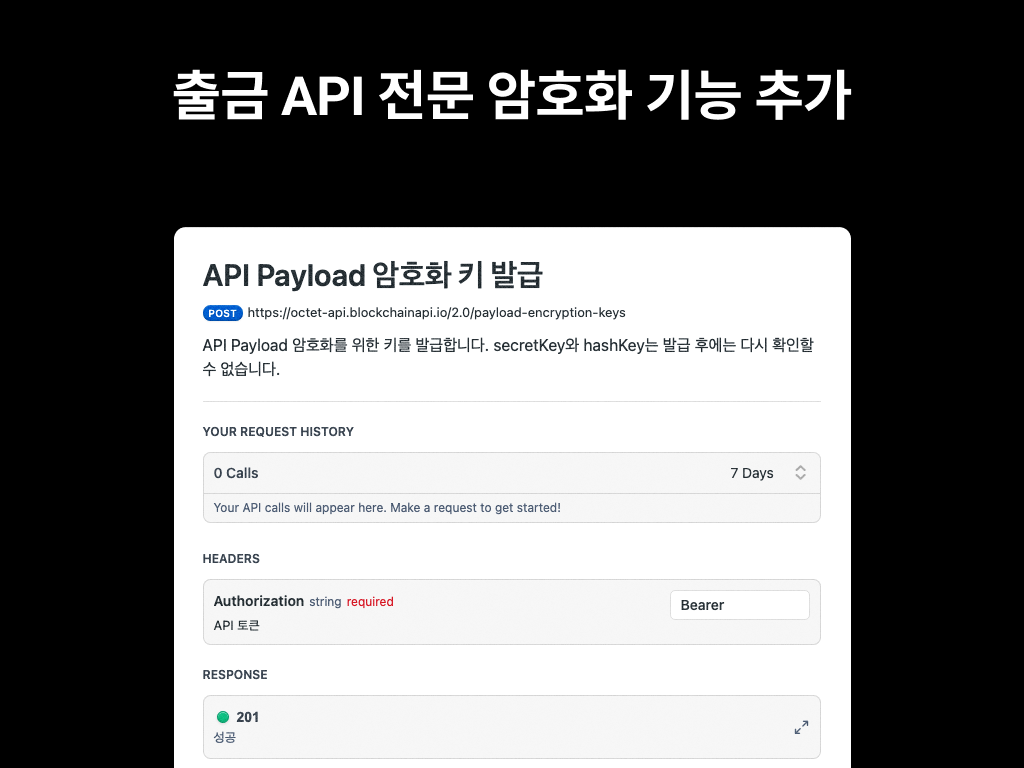
For additional security, you can encrypt the API payload when making a withdrawal. Encrypt the payload with your SecretKey and send the encrypted value. See the API payload encryption guide for details.


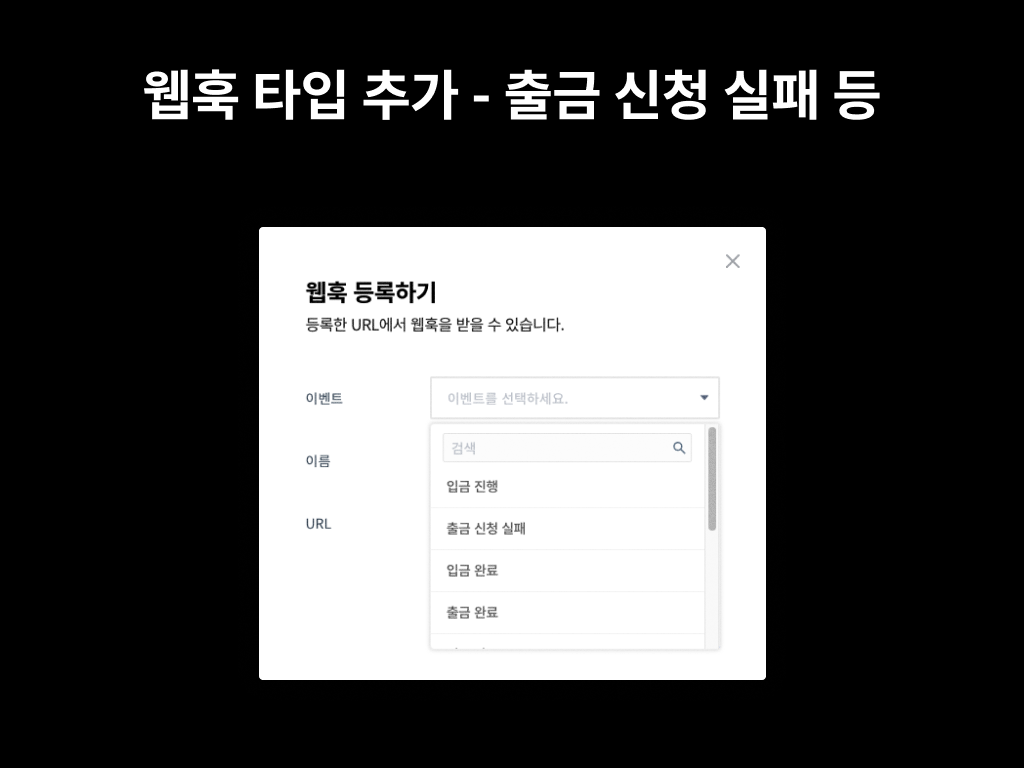
We have expanded the supported webhook types. You can now receive status updates via webhook when an asset or NFT deposit is in progress (UNFINALIZED) or a withdrawal request has failed (FAILED).


The supported webhook types are listed in the webhook guide.


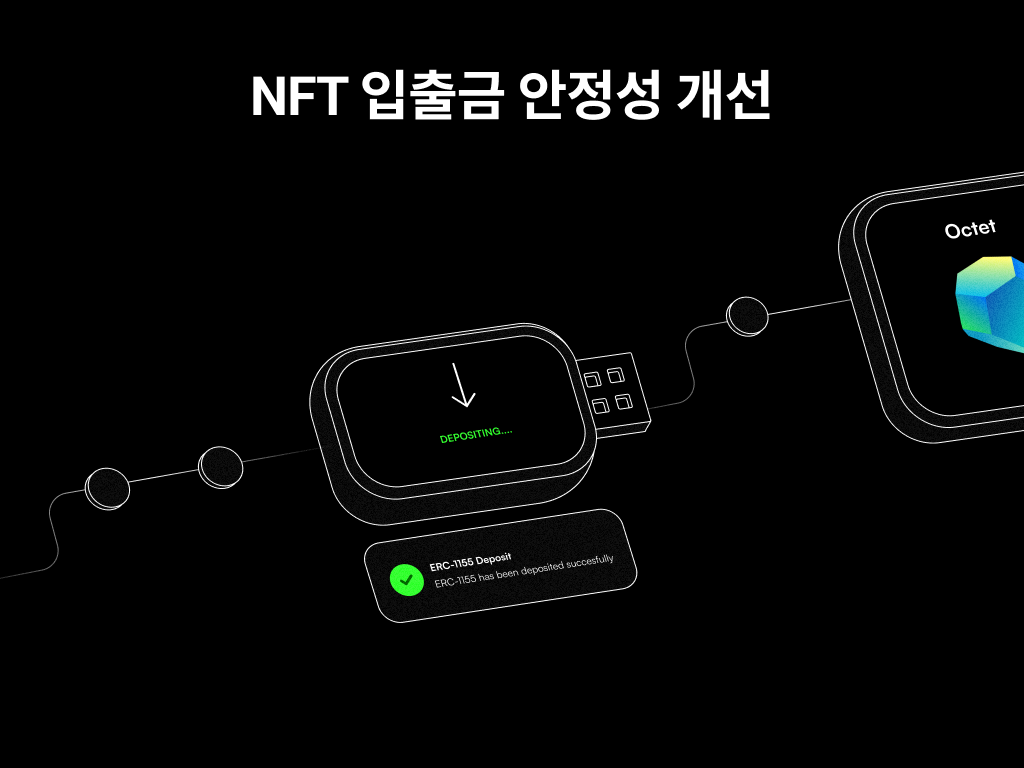
We have improved NFT deposit and withdrawal stability to provide a safer and more reliable service.


Other updates​

  • Applied the Tron Stake 2.0 update.
  • Completed the Binance Smart Chain testnet and Ethereum testnet hard forks.
  • Updated the Ripple node.


[2023.01] You can integrate Wallet Connect.

Jinmi

Data signing API added / Transaction resend API added / Webhook response improved / Sweep target list API added / retried option added to webhook target list API / KAIA, POL hard fork support / Error pages improved


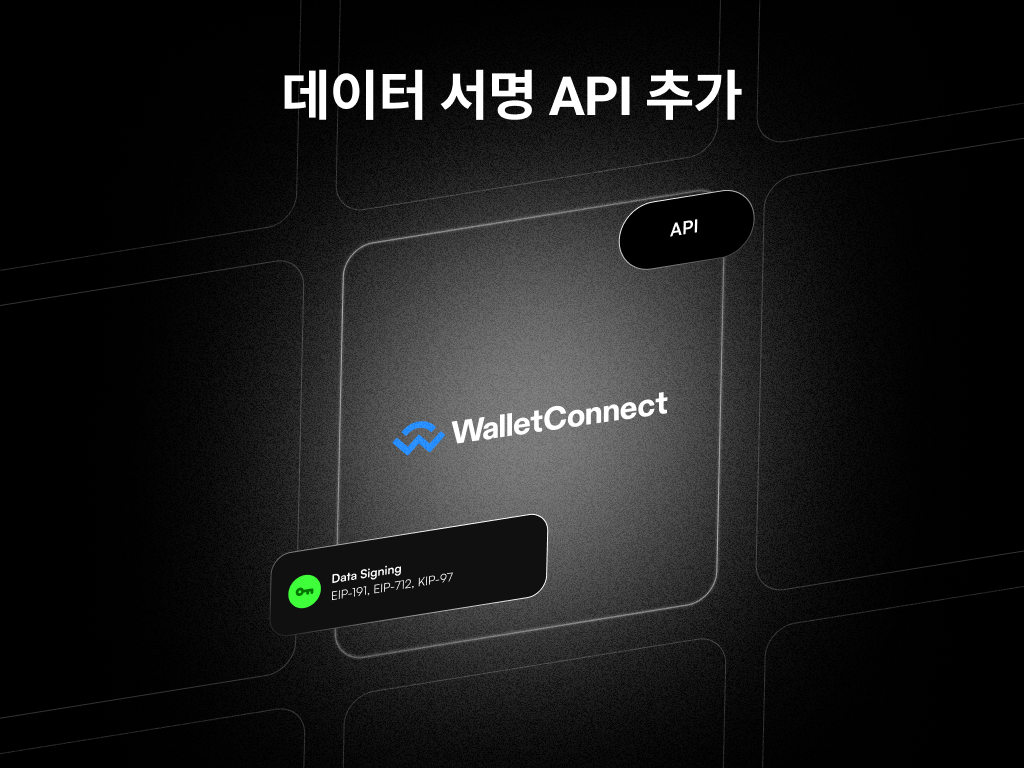
You can perform EIP-191, EIP-712, and KIP-97 signing with a child address by calling the data signing request API and the data signing request info API. With these APIs, you can integrate Wallet Connect in a child address withdrawal wallet.


[Signing data]

  1. The DApp requests a signature.
  2. Call the data signing request API. A UUID is returned.
  3. Call the data signing request info API with the returned value. The signed data is returned.
  4. Return the signed value to the DApp.

*Supported platforms: BSC, ETH, KAIA, POL, WEMIX


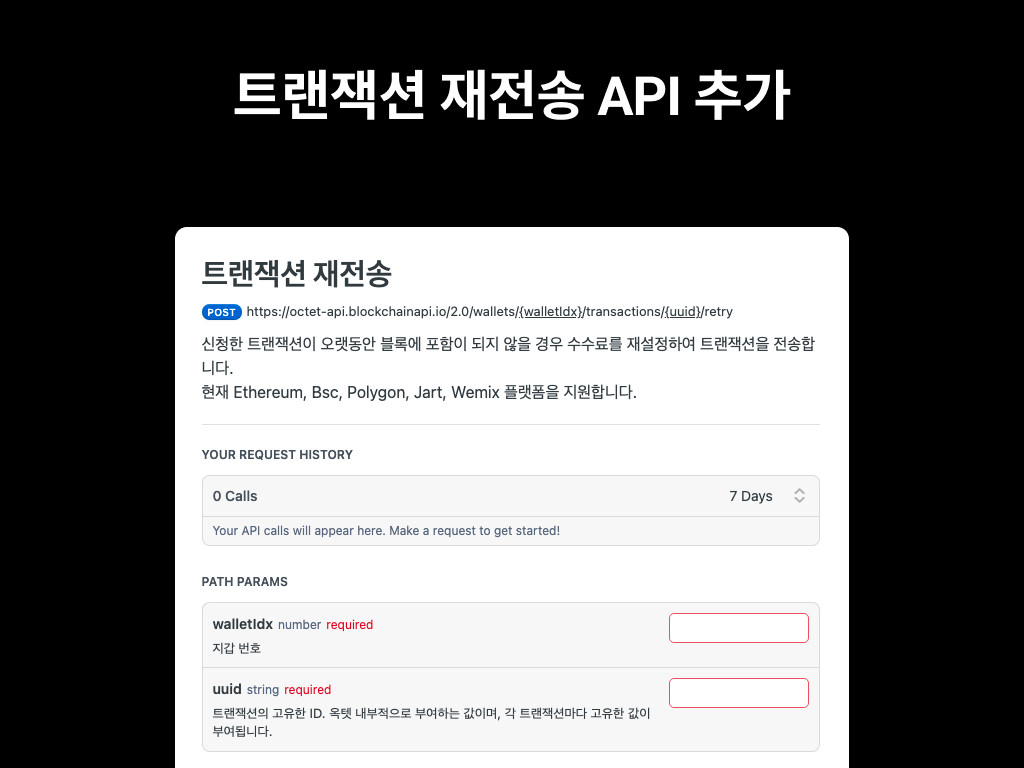
If a withdrawal or NFT withdrawal transaction has not been included in a block for a long time, you can reset the fee and resend the transaction using the transaction resend API.


[Note]
The existing withdrawal resend API is deprecated.
It will be removed after at least 6 months in accordance with the Octet API update policy.


[Supported transactions]
: withdrawal, NFT withdrawal

[Supported platforms]
: BSC, ETH, POL, WEMIX


The webhook failure response has been improved so you can see why a webhook failed. When a webhook fails, the error code and error message returned by the server are provided as httpStatusCode and failedReason, respectively.


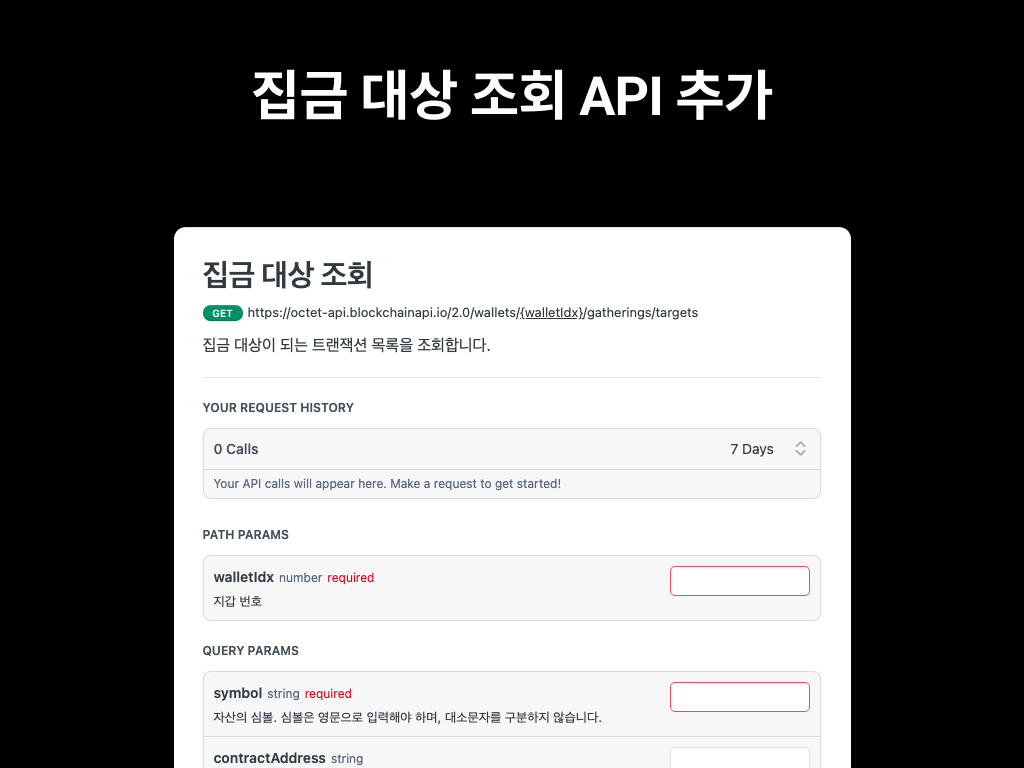
With the sweep target list API, you can look up the list of deposit transactions and amounts to be swept from each address.


Other updates​

  • Added a retried option to the webhook target list API so you can tell whether a webhook has been resent.
  • Supported the Kaia and Polygon hard forks.
  • Improved the error pages.


[2022.12] You can process missed deposits and automatically receive unregistered NFTs.

Jinmi

Manual deposit feature added / NFT "Deposit All" option added / Child address PIN API improved / Sweep request API improved / Sweep status API added / Polygon internal transaction support / Account settings page improved
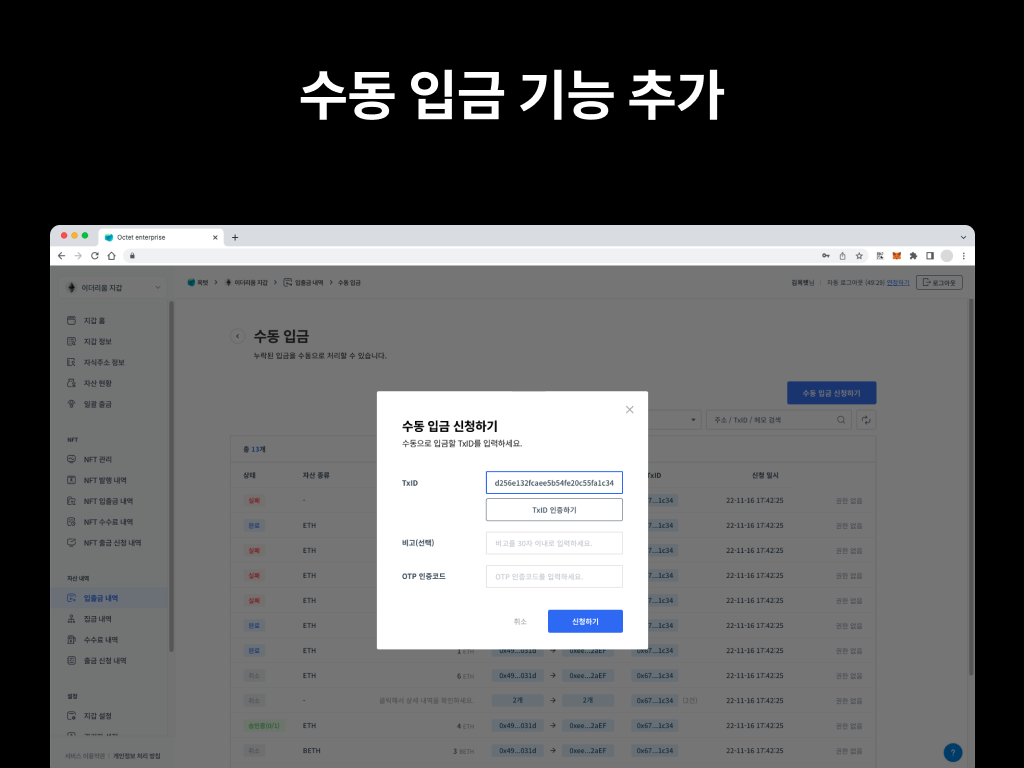

A manual deposit feature has been added. Deposits made without registering the token contract are not processed. In this case, you can use the manual deposit feature to apply the deposit.

To prevent a single admin from arbitrarily changing assets, deposit permissions have been separated. A 'Requester' submits the deposit request, and an 'Owner' or 'Approver' must approve it before the deposit is finally applied.


[Running a manual deposit]

  1. Register the token contract in Wallet > [Wallet Settings] > [Token Management>.
  2. Go to Wallet > [Deposit/Withdrawal History] and click the [Manual Deposit] button at the top right.
  3. Enter the TxID that needs to be processed. ('Requester' role)
  4. Approve the requested deposit. ('Owner' or 'Approver' role)

*The number of admins required for approval is the same as the withdrawal setting.
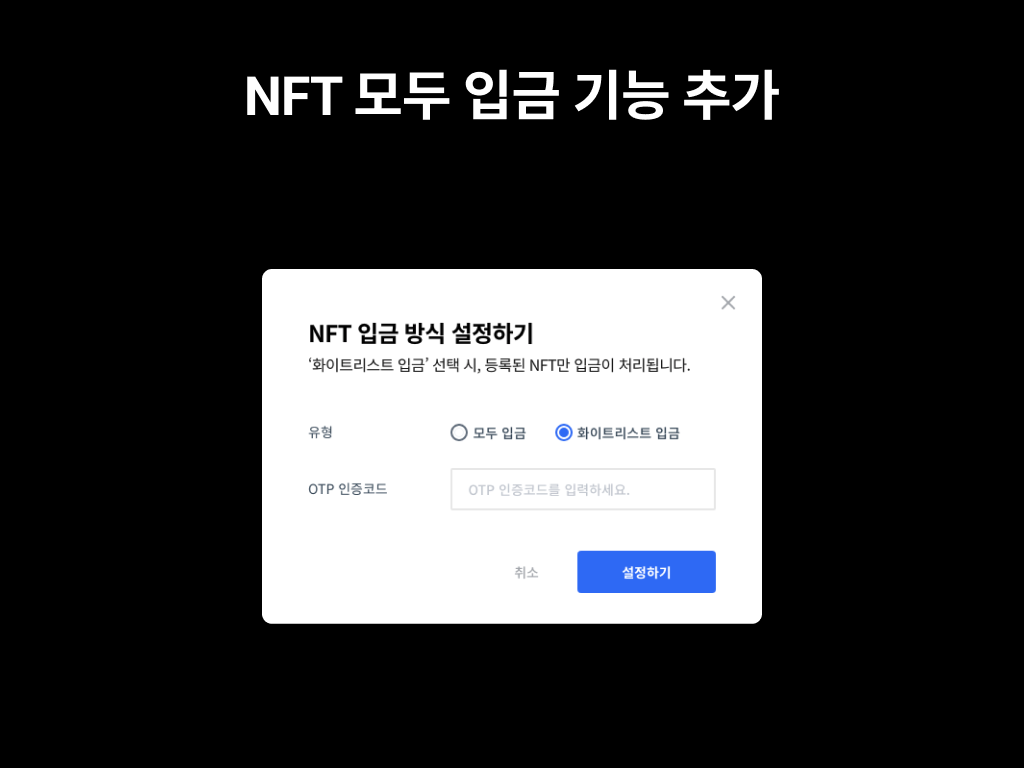


A new NFT deposit mode has been added. By default, only deposits from registered NFT contracts are processed, but if you change the deposit mode to [Deposit All], all deposits are applied normally even if the NFT contract has not been registered in advance.


[Setting up automatic deposits]

: Wallet > [Wallet Settings] > [NFT Deposit Mode] > select 'Deposit All'
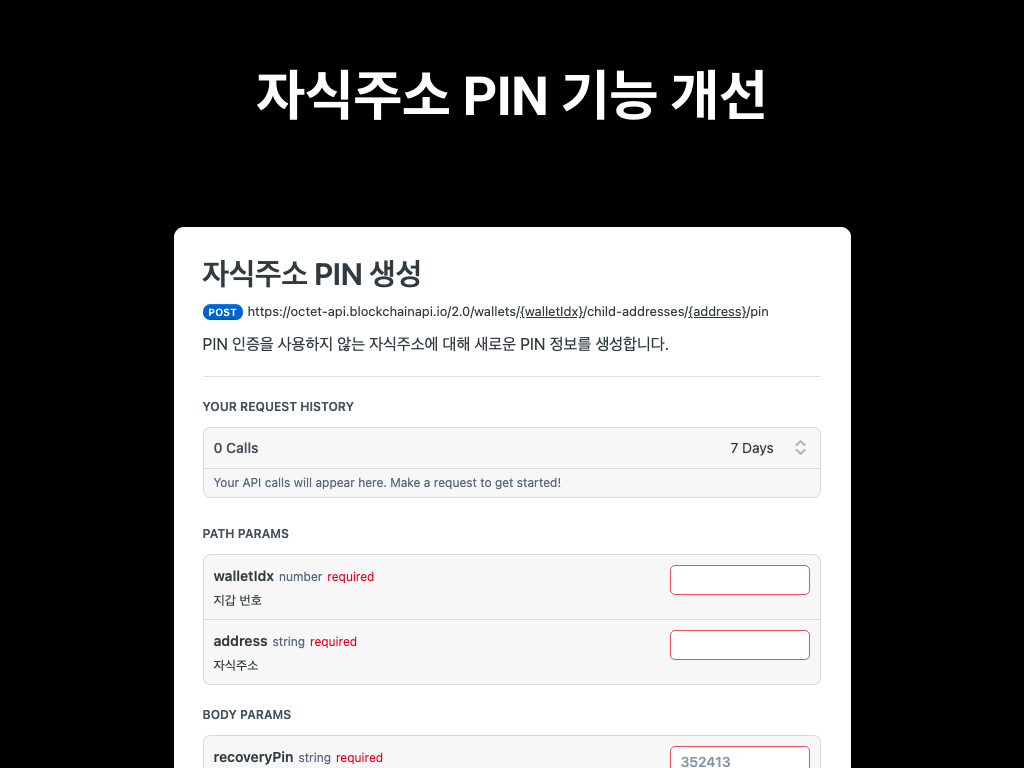


The child address PIN feature has been improved. You can set a new PIN on an existing child address or delete a PIN that is already set. PINs set by users are securely encrypted and stored by Octet.


[What is the PIN feature?]

: When withdrawing from a child address with a PIN set, the withdrawal only proceeds if the PIN matches. This provides additional authentication for child addresses.


[Tip for using recoveryPin]

: This value controls the PIN. It is used when the PIN is lost or changed. You can therefore use it as a master PIN, or as the user's secondary PIN.
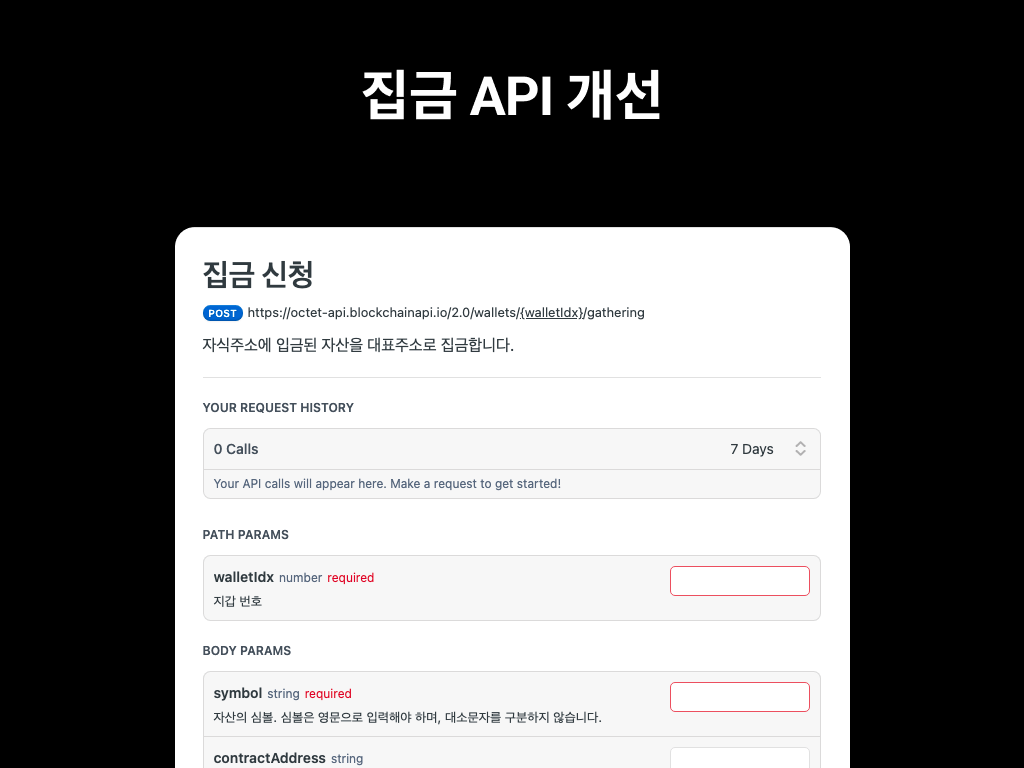


The sweep request API has been updated and a sweep status API has been added. When you call the sweep request API, a UUID and the target addresses for the sweep are returned together. You can check the sweep progress using the returned UUID.


Other updates​

  • Polygon internal transactions are now supported.
  • Improved the account settings page. (Added editing of name, contact, and company name)